
You have several options for setting the invoice date and the due date of your invoice in Dibito:
-
- Automatically by default settings
-
- Manual setting in the web application
-
- Transmit with the Swico S1 code in the billing information
Please note that the eBill portal always schedules the payment of invoices to the due date.
Automatic invoice date and due date
If no invoice date and due date are set in your business case, the following happens:
-
- The invoice date is set to the current day at the time of submission to the eBill system.
-
- The due date is set to the current date plus the standard first 30 days at the time of posting.

You can adjust the standard deadline for the due date in your settings under the menu item "eBill settings → Invoice issuer".
Manual setting of invoice date and due date
In the details for each business case, you can manually set the date of the invoice and its due date. If no values are set, these are set automatically at the time of posting as described above.
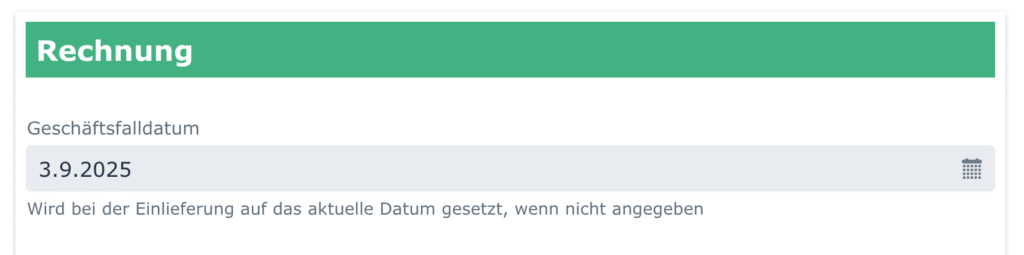
Please note that the transaction date may not be more than 90 days in the past. The due date may be a maximum of 3 years in the future.
Swico S1 code
Dibito automatically reads the following information from the Swico S1 code in the invoice information of your QR-bill and applies it to the eBill business case:
| S1 field | S1 tag | eBill field |
|---|---|---|
| Document number | 10 | eBill invoice number |
| Document date | 11 | Business case date |
| Conditions with 0% discount | 40 | Due date |
All other Swico information is ignored.
Example Swico S1 code
//S1/10/xyz/11/251107/40/0:14
Contains: Invoice number xyz, invoice date November 7, 2025, payment deadline 14 days.
Use the "Examples" function in your Dibito account to generate additional codes in QR-bills.