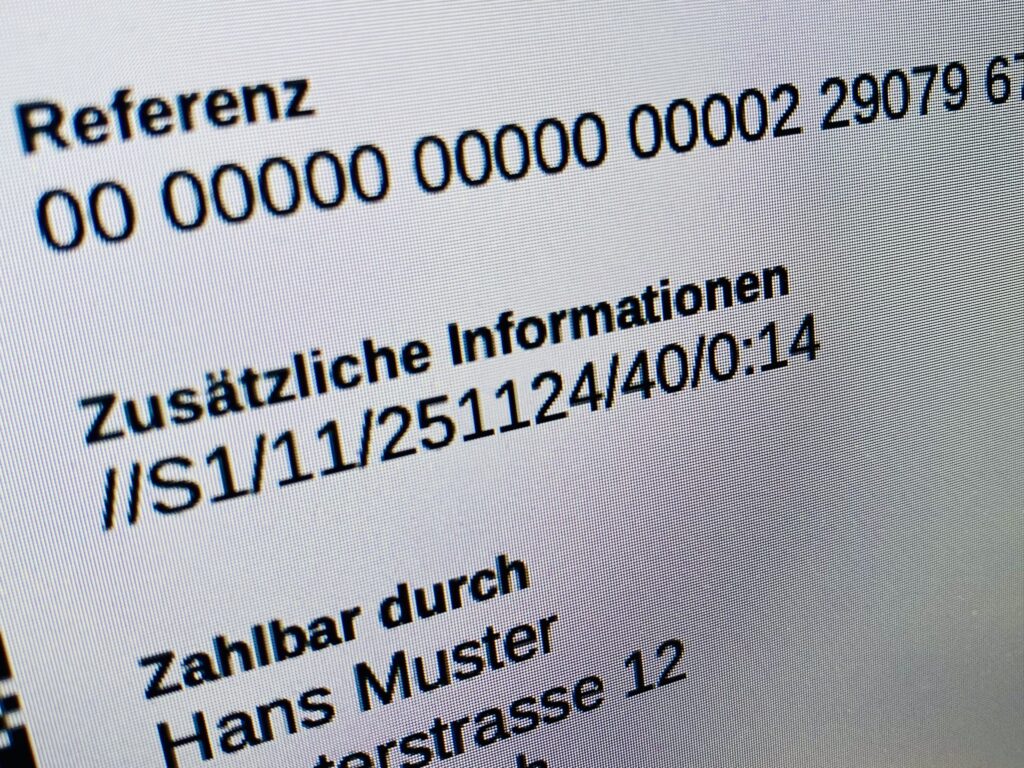
With Dibito, you can set the invoice date and due date exactly as it suits your workflow: Automatic Dibito automatically sets the current date and a due date of 30 days (customizable) upon submission. Configure once, receive reliable payments! Manually Set the date and due date individually for each business case in the web application. Perfect for special conditions. Swico S1-Code Dibito [...]
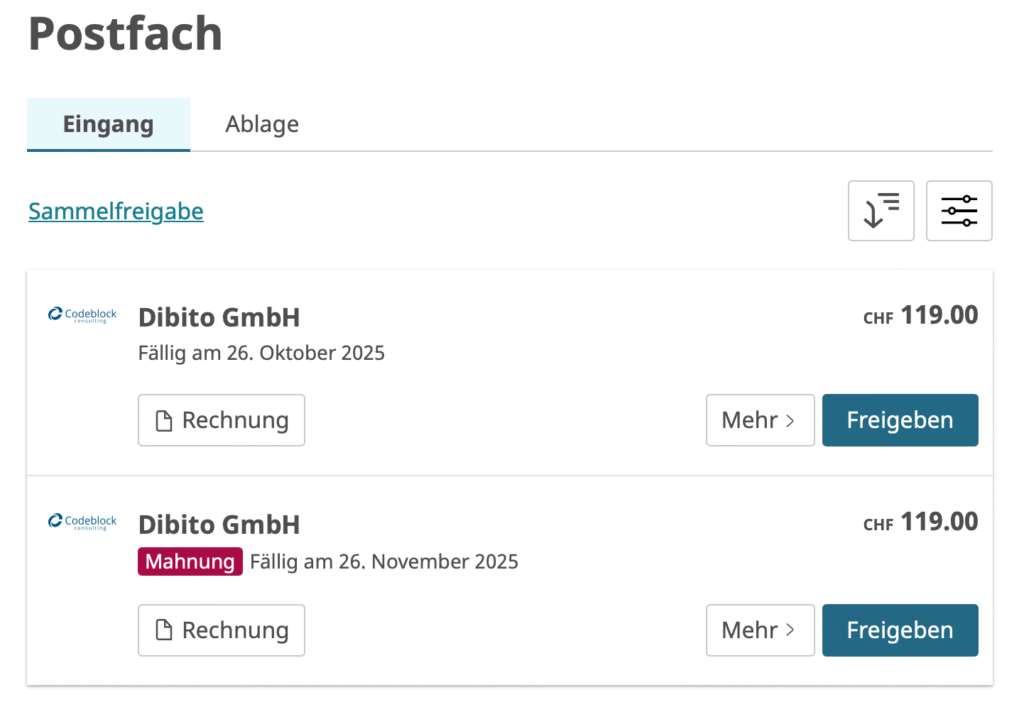
Manage eBill invoices: Dunning, canceling and replacing made easy
More flexibility in digital invoice management The eBill system offers companies extended options for subsequently processing invoices that have already been submitted. The unique eBill reference number can be used to link business cases and establish different relationships. The three most important functions at a glance Reminders: Create a reminder that refers to the original invoice. Both documents are automatically created in the customer's eBill portal [...]
New: QR Connect in Dibito - enable eBill registrations via QR code
Acquire new eBill recipients in no time at all! With the new QR Connect function, you can create a link and a QR code in just a few seconds that your customers can use to register directly with your eBill invoice issuer - quickly and conveniently. Dibito uses the generic QR Connect code from eBill. This means: one code, infinite possibilities. Print [...]